Four laptops actually available under ₹50,000 for college and school students, why laptop prices have jumped in 2026, and a simple checklist to choose the right one
A good laptop is one of the most important tools a student can own. It has to handle online classes, assignments, coding, presentations and some entertainment, survive daily trips in a backpack, and ideally last the whole course. But buying one in late 2026 is harder than usual: laptop prices in India have jumped this year, and many popular models that used to sell under ₹50,000 are now out of stock or much more expensive. In this guide, we pick four laptops for students that are actually available under ₹50,000 right now, plus one to watch and one worth stretching for, and share a checklist to help parents and students choose wisely.
How we chose: we haven’t tested these laptops for students hands-on. Our picks are based on official specifications and on prices and stock checked on October 25, 2026. Prices are changing quickly this year, so check the latest price and stock before you buy.
Quick Answer
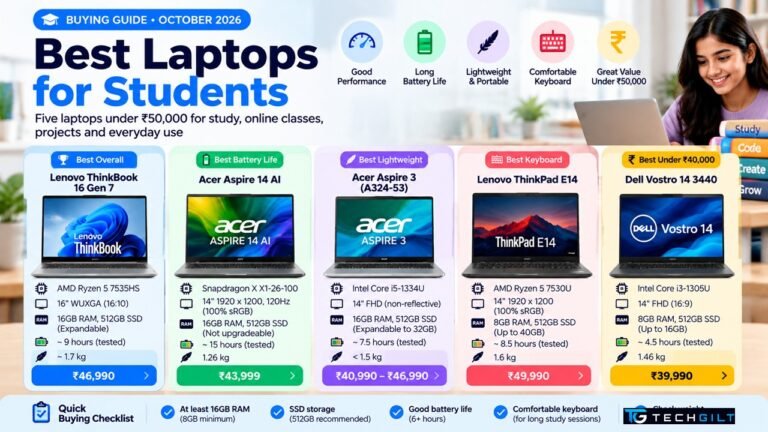
Here are our top picks among laptops for students under ₹50,000 that are available right now:
| Best for | Laptop | Price (approx.) |
|---|---|---|
| Best overall value | MSI Modern 14 (C7M-062IN) | ₹43,219 |
| Best big screen with 16GB RAM | Acer Aspire Lite 15 (AL15-41) | ₹46,999 |
| Best new 2026 model | HP 15 (2026, Ryzen 3 7335U) | ₹45,100 |
| Best newer Intel option | Lenovo V15 Gen 4 | ₹48,990 |
Prices checked on October 25, 2026, on 91mobiles listings and PriceBefore (Amazon).
Why Laptop Prices Have Jumped in 2026
If you’ve noticed that a laptop which cost ₹45,000 last year now costs much more, you’re not imagining it. According to 91mobiles, citing IDC India:
- RAM prices have risen about 2.5 to 3 times, because memory makers are shifting production to high-margin chips for AI data centres
- Laptop prices in India are already up about 10–12%, and could rise by up to 35% through 2026
- A shortage of entry-level Intel processors and a weaker rupee are adding to the pressure
What this means if you’re shopping for laptops for students: many well-known models are out of stock at their old prices, and new stock arrives at higher prices. Under ₹50,000, you’ll now mostly find Ryzen 5, Ryzen 3 and Core i3 laptops. Getting 16GB RAM in this budget is still possible, but options are fewer.
Laptops for Students: Comparison Table
Here’s how these laptops for students compare on the key specifications:
| Laptop | Processor | RAM / Storage | Display | Price |
|---|---|---|---|---|
| MSI Modern 14 (C7M-062IN) | AMD Ryzen 5 7530U | 16GB / 512GB SSD | 14″ FHD IPS | ₹43,219 |
| Acer Aspire Lite 15 (AL15-41) | AMD Ryzen 5 5625U | 16GB / 512GB SSD | 15.6″ FHD | ₹46,999 |
| HP 15 (2026) | AMD Ryzen 3 7335U | 8GB DDR5 (up to 16GB) / 512GB SSD | 15.6″, anti-glare | ₹45,100 |
| Lenovo V15 Gen 4 | Intel Core i3 (13th Gen) | 8GB / 512GB SSD | 15.6″ FHD IPS | ₹48,990 |
1. MSI Modern 14 (C7M): Best Overall Value
The MSI Modern 14 offers the best balance of performance, memory and price among laptops for students under ₹50,000 today. Its AMD Ryzen 5 7530U is a six-core processor that handles coding, multitasking and online classes comfortably, and it comes with 16GB RAM and a 512GB SSD.
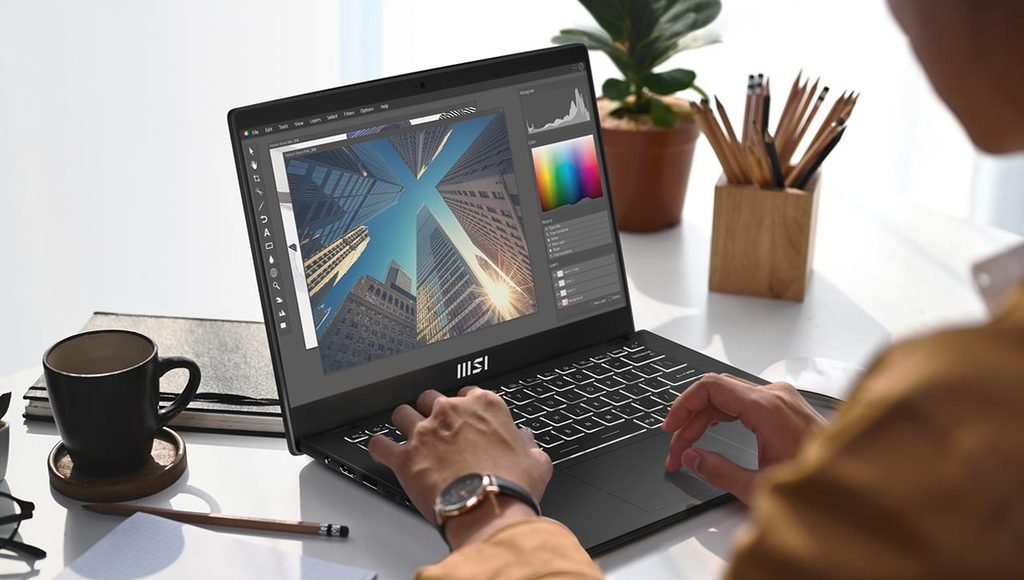
- Display: 14-inch FHD IPS, which gives better colours and viewing angles than cheaper TN panels
- Size: a compact 14-inch design that’s easy to carry to college
- Price: about ₹43,219 (Flipkart)
Good to know: it’s a simple, no-frills design, so don’t expect premium materials or a very bright screen. For most students, though, the Ryzen 5 and 16GB combination at this price is excellent value.
2. Acer Aspire Lite 15 (AL15-41): Best Big Screen With 16GB RAM
If you prefer laptops for students with a larger screen for coding, spreadsheets or watching lectures, the Acer Aspire Lite 15 gives you a 15.6-inch FHD display with 16GB RAM and a 512GB SSD. It uses an AMD Ryzen 5 5625U, a six-core chip that’s a generation older than the MSI’s but still capable for study work.
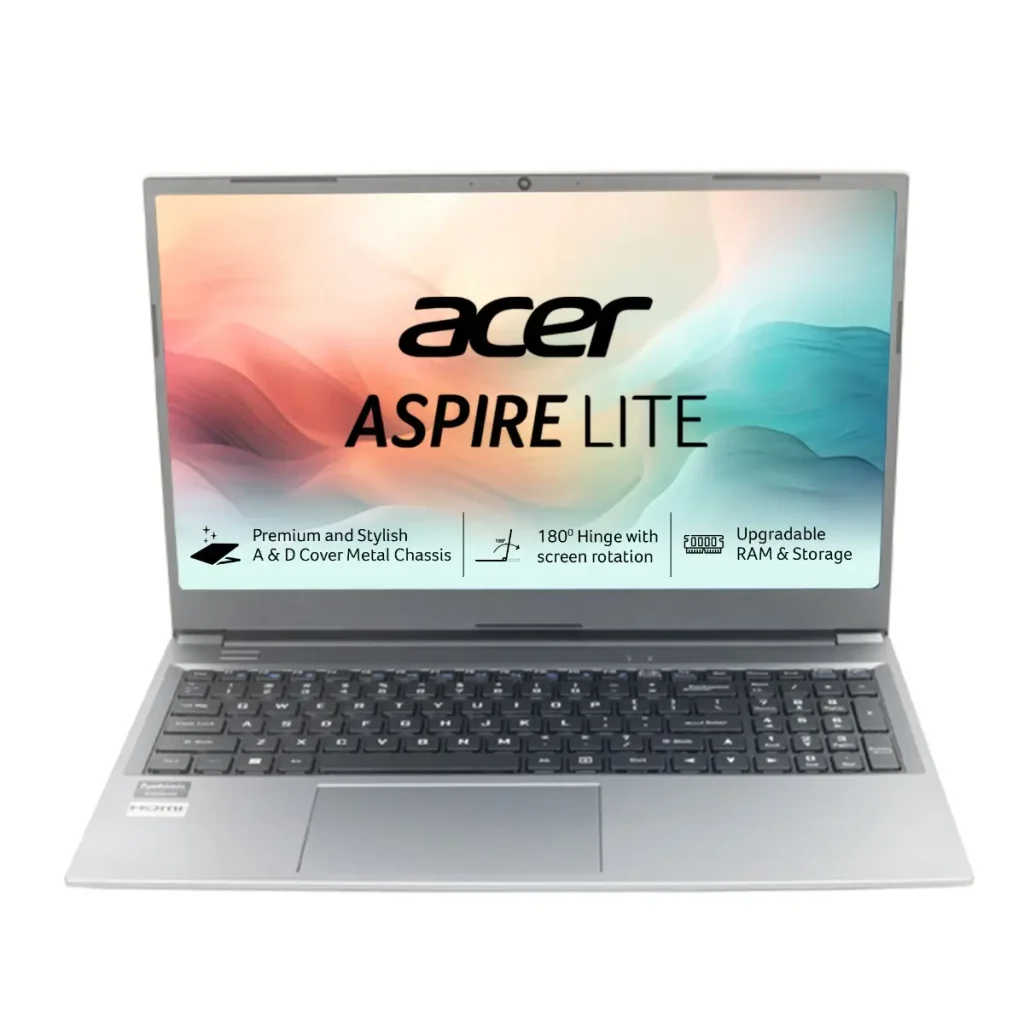
- Best for: students who want a bigger screen and plenty of RAM
- Price: about ₹46,999 (Acer Store)
Good to know: a 15.6-inch laptop is heavier and bulkier to carry every day than a 14-inch one. Check the exact model code (UN.31ZSI.06T) when buying, because other Aspire Lite versions come with weaker processors or less RAM.
3. HP 15 (2026): Best New 2026 Model
The HP 15 (2026) is one of the newest laptops for students in this budget. It uses an AMD Ryzen 3 7335U (4 cores, 8 threads) with 8GB of faster DDR5 RAM, a 512GB NVMe SSD and a 15.6-inch anti-glare display, and weighs about 1.5kg, according to PriceBefore’s listing details.
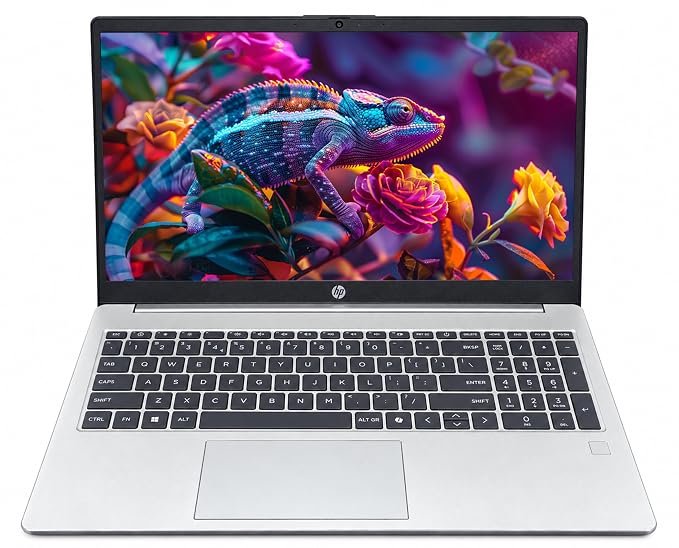
- Upgradeable: RAM can be expanded to 16GB, and storage to 1TB
- Connectivity: Wi-Fi 6 and Bluetooth 5.4
- Price: about ₹45,100 (Amazon); it has ranged from about ₹43,380 to ₹48,850 over the last six months
Good to know: some listings show this model without Windows installed (DOS), while others list Windows 11 Home. Confirm the operating system before buying, because adding a Windows licence costs extra. Plan to upgrade to 16GB RAM later for smoother multitasking.
4. Lenovo V15 Gen 4: Best Newer Intel Option
If you prefer laptops for students with a newer Intel processor, the Lenovo V15 Gen 4 comes with a 13th-generation Intel Core i3, a 512GB SSD and a 15.6-inch FHD IPS display, at about ₹48,990.
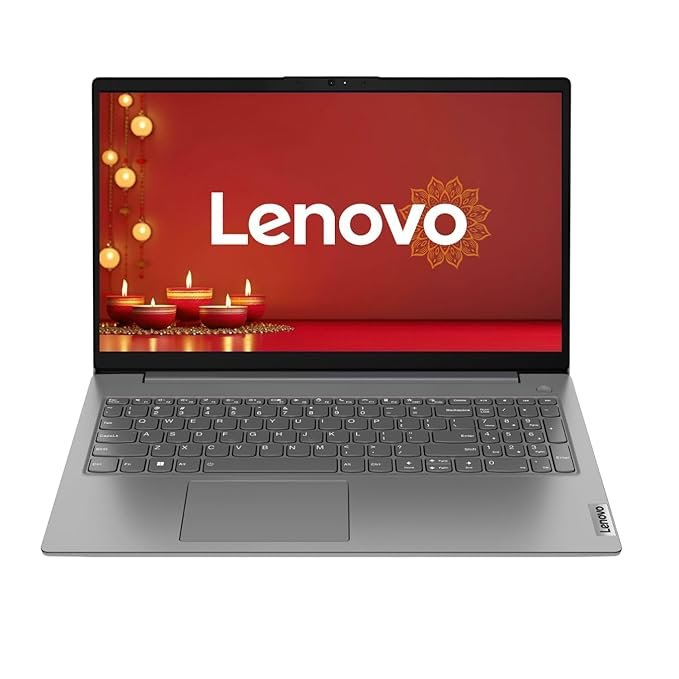
- Best for: commerce, arts and general students who mainly use Office apps, browsers and online classes
- Price: about ₹48,990
Good to know: it has only 8GB RAM, which is the minimum for 2026. Before buying, check whether the RAM can be upgraded, so you can add more later for smoother multitasking.
Worth Watching: Acer Aspire 5 (A515-58M)
Among laptops for students that are temporarily unavailable, the Acer Aspire 5 with an Intel Core i5-1335U, 16GB RAM, 512GB SSD and a 15.6-inch FHD display would be a strong pick for engineering and coding students. Its last listed price was about ₹44,399, but it is currently out of stock, according to MySmartPrice. If it comes back in stock under ₹50,000, it’s worth considering.
Worth Stretching For: ASUS Chromebook CX1505 (School Students)
For school students who mainly use Google Classroom, Docs, YouTube and web apps, the ASUS Chromebook CX1505 (Intel N50, 8GB RAM, 128GB eMMC, 15.6-inch FHD, ChromeOS) is one of the simplest and most secure laptops for students to manage. At about ₹50,990, it’s slightly above our budget. Remember that Chromebooks can’t run regular Windows software, so they don’t suit most college students.
How to Choose Laptops for Students
1. RAM: 16GB is ideal. When comparing laptops for students, remember that 8GB works for basic use, but 16GB keeps the laptop smooth for years, especially for coding and multitasking. If you buy an 8GB model, check that RAM can be upgraded.
2. Storage: SSD only. Choose at least a 512GB SSD for a Windows laptop. Avoid laptops with only a hard disk (HDD).
3. Display: FHD and IPS if possible. Avoid 1366 x 768 (HD) screens, which look blurry. IPS panels show better colours and viewing angles than TN panels.
4. Check the exact model code and operating system. The same laptop name often comes in many versions with different processors, RAM and software. Match the model code to the specifications you want, and confirm Windows is included.
5. Match the laptop to the course. Engineering, data science and design students need more power (Ryzen 5 / Core i5 or above, 16GB RAM). Arts, commerce and school students can choose lighter, cheaper models.
6. Check stock and price history. In 2026, prices of laptops for students change quickly. Use price-tracking sites and avoid listings that are “out of stock” or show unusually old prices.
7. Use student offers. Brands such as Apple, Dell, HP and Lenovo run education stores with discounts on laptops for students, and bank offers during sales can save several thousand rupees.
Also read: Best Phones Under ₹20,000
Frequently Asked Questions
What are the best laptops for students under ₹50,000 right now?
Among models available in October 2026, the MSI Modern 14 (Ryzen 5, 16GB) is the best overall value, the Acer Aspire Lite 15 offers a big screen with 16GB RAM, the HP 15 (2026) is the newest model, and the Lenovo V15 Gen 4 is a newer Intel option.
Why are laptop prices so high in 2026?
RAM prices have risen sharply because memory makers are prioritising chips for AI data centres. Laptop prices in India are already up about 10–12%, and could rise further.
Is 8GB RAM enough for students in 2026?
In laptops for students, 8GB is enough for basic use, but 16GB is better for coding, multitasking and keeping the laptop fast for several years.
Which laptop is best for engineering students under ₹50,000?
The MSI Modern 14 with Ryzen 5 7530U and 16GB RAM is the strongest available option under ₹50,000 right now. The Acer Aspire 5 (Core i5, 16GB) is also worth buying if it comes back in stock.
Should students buy a Chromebook?
Chromebooks suit school students who mainly use web apps and Google tools, but college students who need Windows software are better off with a Windows laptop.
Conclusion
Buying laptops for students has become harder in 2026, as the RAM shortage has pushed prices up and many popular models out of stock. Still, ₹50,000 can buy capable laptops for students if you choose carefully. The MSI Modern 14 offers the best value with a Ryzen 5 and 16GB RAM, the Acer Aspire Lite 15 adds a bigger screen, the HP 15 (2026) is a modern, upgradeable option, and the Lenovo V15 Gen 4 suits general students. Match the laptop to your course, check the exact model code, operating system and current price, and use student and bank offers to get the best value.
My take: I believe buying a laptop for studies is an investment in a student’s learning, productivity and future career. The best choice is not necessarily the most expensive model or the one with the highest specifications; it is the one that meets the student’s specific academic needs. Students in engineering, coding or data science should prioritise processing power, 16GB of RAM, upgradeability and software compatibility. For school students or those studying arts or commerce, portability, battery life and affordability may matter more.
I would also advise parents and students to consider long-term reliability, repair support and the total cost of ownership. Before buying, check your course requirements, confirm that essential software will run, compare real-world battery tests and look for upgradeable RAM and storage. My advice is simple: choose a laptop that comfortably supports your studies today and remains useful as your skills and ambitions grow, and buy for your learning needs, not just for the specifications on the box. I would conclude by saying: “The best laptop for a student is not the one that costs the most, but the one that helps them learn more, work smarter and grow with confidence.”
Over to You
Which laptop do you use for your studies, or which one are you planning to buy? Share your experience in the comments below.